
Best 4K AI Image Generator Tools in 2026: Create Ultra HD Images
Discover the best AI image generators for creating stunning 4K resolution images. Compare Midjourney, FLUX, Stable Diffusion, and free upscaling tools. Complete guide with tips for generating high-resolution AI art.
Why 4K Resolution Matters for AI-Generated Images
The demand for high-resolution AI images has exploded. Whether you're creating digital art for large prints, professional marketing materials, or stunning wallpapers, 4K resolution (3840×2160 pixels) has become the gold standard.
According to Reddit discussions and industry trends, the most common question AI artists ask is: "Which AI image generators can create high-res 4K images?" The answer isn't straightforward—most AI generators output at 1024×1024 pixels, requiring additional upscaling for true 4K quality.
Quick Solution: Use MDZ.AI Image Upscaler to instantly upscale any AI-generated image to 4K or higher resolution while preserving details.
Top 7 Best AI Image Generators for 4K Quality
Based on extensive testing and community feedback from Reddit, X/Twitter, and professional reviews, here are the best tools for creating 4K AI images:
1. Midjourney (Best Overall Quality)
Midjourney remains the industry leader for artistic quality. While its native output is 1024×1024, the V6/V7 upscaler can reach 2048×2048, and using the V5.2 workaround enables 4x upscaling.
Native Resolution: 1024×1024 (up to 4096×4096 with upscaling)
Pros:
- Exceptional artistic quality and aesthetics
- Built-in 2x and 4x upscalers
- Consistent character and style generation
- Active community with prompt sharing
Cons:
- No free tier available ($10/month minimum)
- Requires Discord to use
- 4x upscale can soften fine details
Pro Tip: For best 4K results, generate at 1024×1024, then use Midjourney's Upscale (Subtle) for 2x, followed by an external AI upscaler for the final 4K output.
2. FLUX.1 (Best for Customization)
From the creators of Stable Diffusion, FLUX.1 offers powerful image generation with excellent prompt adherence. Available in Pro, Dev, and Schnell variants.
Native Resolution: Up to 2048×2048 (FLUX.1 Pro)
Pros:
- Open-source options available
- Excellent text rendering in images
- High prompt accuracy
- Multiple model variants for different needs
Cons:
- Requires more technical setup for local use
- Newer, less community resources
3. Google Imagen 3 / Nano Banana Pro
Google's latest image model (marketed as "Nano Banana" in some regions) delivers photorealistic results with excellent text generation capabilities.
Native Resolution: 1024×1024 (with upscaling options)
Pros:
- Free with Google account
- Excellent photorealism
- Best-in-class text rendering
- Integrated with Gemini AI
Cons:
- Content restrictions
- Limited style customization
4. ChatGPT with GPT-Image-1 (Best for Beginners)
OpenAI's image generation through ChatGPT offers the most accessible entry point for AI image creation.
Native Resolution: 1024×1024
Pros:
- Conversational interface
- Easy iterations and edits
- No technical knowledge required
- Integrated with ChatGPT Plus
Cons:
- Limited free generations
- Less artistic control than Midjourney
5. Stable Diffusion (Best Free Option)
The open-source powerhouse that democratized AI image generation. Run locally or through various online interfaces.
Native Resolution: 512×512 to 2048×2048 (model dependent)
Pros:
- Completely free and open-source
- Run locally with full control
- Massive model ecosystem
- No content restrictions (local)
Cons:
- Requires technical setup for best results
- GPU requirements for local use
- Quality varies by model
6. Ideogram (Best for Text in Images)
Ideogram excels at generating images with accurate, readable text—a weakness of most AI generators.
Native Resolution: 1024×1024
Pros:
- Industry-leading text accuracy
- Clean, professional outputs
- Good for logos and marketing
Cons:
- Limited free tier
- Less artistic flexibility
7. Adobe Firefly (Best for Commercial Use)
Adobe's AI generator is trained on licensed content, making it the safest choice for commercial projects.
Native Resolution: Up to 2048×2048
Pros:
- Commercially safe (trained on licensed content)
- Integrated with Creative Cloud
- Professional editing tools
- No copyright concerns
Cons:
- Requires Adobe subscription
- Less creative freedom than competitors
How to Generate True 4K AI Images: Step-by-Step
Most AI generators don't output native 4K. Here's the professional workflow for achieving true 4K quality:
Method 1: Generate + AI Upscale (Recommended)
This is the most reliable method used by professional AI artists:
- Generate at maximum native resolution (usually 1024×1024)
- Use an AI upscaler to reach 4K while adding detail
- Fine-tune with optional enhancement
Best Free AI Upscalers for 4K:
- MDZ.AI Image Upscaler - Free, no login required
- Upscale.media - Good for batch processing
- Let's Enhance - Professional quality
- Topaz Gigapixel AI - Best desktop solution
Method 2: Tiled Diffusion (Advanced)
For Stable Diffusion users, tiled diffusion allows generating at higher resolutions by processing the image in sections:
Extensions needed:
- Tiled Diffusion
- Ultimate SD Upscale
- ControlNet Tile

Process:
1. Generate base image at 1024×1024
2. Use Ultimate SD Upscale with ControlNet Tile
3. Set target resolution to 4K (3840×2160)
4. Adjust denoising strength (0.3-0.5 recommended)
Method 3: Midjourney Upscale Workflow
For Midjourney users, here's the optimal 4K workflow:
- Generate image with
/imaginecommand - Select best result with U1-U4
- Click Upscale (Subtle) for 2x
- For 4x: Switch to V5.2 using Vary (Region) trick
- Optional: Use external upscaler for final polish
Best Free 4K AI Image Generators
Looking for free options? Here are the best free tools for creating 4K AI images:
1. Stable Diffusion (via ComfyUI or Automatic1111)
Cost: Completely free (requires GPU)
Run locally with full control over resolution. With the right setup, you can generate images at any resolution your VRAM allows.
2. Google's Nano Banana (Gemini)
Cost: Free with Google account
Access through Gemini or Google's AI tools. Limited generations per day but excellent quality.
3. Microsoft Designer (Bing Image Creator)
Cost: Free with Microsoft account
Powered by DALL-E, offers free image generation with decent quality.
4. Leonardo.AI
Cost: Free tier with 150 daily tokens
Offers various models and built-in upscaling options.
5. Playground AI
Cost: Free tier with 500 images/day
Good variety of models and styles with upscaling support.
Common Issues and Solutions
Issue: Upscaled images look soft or blurry
Solution: Use AI upscalers that generate new detail rather than simple interpolation. Tools like Topaz Gigapixel AI or dedicated AI upscalers add realistic detail during upscaling.
Issue: Artifacts appear at 4K
Solution:
- Generate at the highest native resolution first
- Use lower denoising strength when upscaling
- Try different upscaling models
Issue: File sizes are too large
Solution:
- Use WebP format for web (70% smaller than PNG)
- JPEG at 85% quality for photos
- PNG only when transparency is needed
Issue: Colors shift after upscaling
Solution:
- Use upscalers with color preservation
- Work in sRGB color space
- Apply color correction after upscaling if needed
Best Prompts for High-Resolution AI Images
The right prompt can significantly improve your 4K results. Include these quality modifiers:
Quality keywords to add:
- "highly detailed"
- "8K resolution"
- "ultra HD"
- "sharp focus"
- "intricate details"
- "professional photography"
- "masterpiece"

Example prompt:
"A majestic mountain landscape at golden hour,
highly detailed, 8K resolution, sharp focus,
intricate details in the snow-capped peaks,
professional photography, masterpiece quality"
Conclusion: Getting the Best 4K AI Images
Creating stunning 4K AI images in 2026 requires understanding that generation and upscaling are separate steps. Here's the winning formula:
- Choose the right generator for your style (Midjourney for art, FLUX for control, Stable Diffusion for freedom)
- Generate at maximum native resolution
- Use quality AI upscalers to reach 4K
- Enhance and polish for final output
For the fastest path to 4K images, try our AI Image Upscaler - it's free, requires no login, and preserves the details that matter.
Related Articles:
Author

Categories
More Posts

AI Product Photography: Complete Guide for Ecommerce in 2026
Master AI product photography for ecommerce. Learn the best AI tools, prompts, and workflows to create stunning product photos without expensive studio shoots. Free tutorials included.

Creative Automation: Why Most Brands Are Using AI to Copy Mediocrity (And How to Actually Win)
A contrarian guide to creative automation in marketing. Learn why producing 100+ ads per day is meaningless without a winning strategy, and how top brands use AI as an experimentation engine, not a content factory.
AI-Driven Shopping: Why Your Product Pages Are Now Invisible (And How to Fix It)
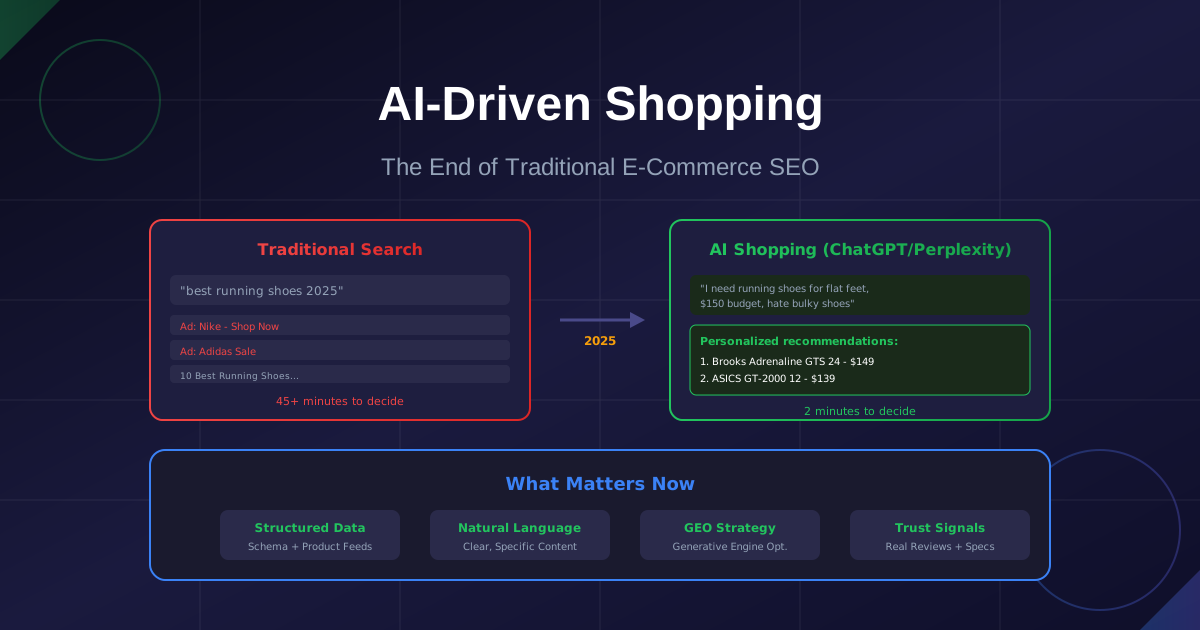
Traditional SEO is dying. ChatGPT and Perplexity are becoming the new shopping search engines. Learn how LLM-optimized product data and GEO (Generative Engine Optimization) will determine which e-commerce brands survive the AI shopping revolution.
Need a Custom Solution?
Still stuck or want someone to handle the heavy lifting? Send me a quick message. I reply to every inquiry within 24 hours—and yes, simple advice is always free.
Gardez une longueur d'avance
Obtenez les nouveaux outils en premier
Abonnez-vous pour être notifié lors du lancement de nouveaux outils IA. Pas de spam, juste des mises à jour produit.